top of page


Search


Why Technology In the Trades Industry Matters
At iTrade we know that our platform is the ultimate choice for tradespeople . We have seen the trades industry recently undergo a significant transformation due to the effects of technology, and we designed our platform to cater to this new reality. While many tradespeople may be hesitant to embrace new technologies, there are remarkable benefits to using such technology in your industry. In this article, we will explore the benefits of using technology in the trades industry


iTrade: The Easy Way to Manage Quotes and Invoices
As a tradesperson, managing your business can be quite a challenge. You need to create quotes, send invoices, and track your expenses while still getting the job done. That's where iTrade software comes in. iTrade is a platform designed specifically for tradespeople that offers a user-friendly interface that simplifies the process of managing quotes, invoices, and payments. In addition to its user-friendly interface, iTrade is an affordable solution for those running Trades b
Recommended: Fine Line Fasica & Spouting Hamilton
Fine Line Spouting in Hamilton are experts in everything to do with fascia boards, guttering and spouting in Hamilton and Waikato. They also do respouts, repairs and complete conversions. Fine Line specialise in ColorCote and ColourSteel continuous spouting due to their excellent quality and superior warranties. Fine Line operate continues spouting machines onsite, offering a wide range of colours and styles to suit your home or buildings aesthetic appeal. They use quality


Recommended: Auctus Accountants - Tauranga
This is a recommendation for Auctus

Working with Estimating in iTrade
Quote faster and more accurately using iTrade’s advanced estimating tools. Learn how to create, edit, and reuse quote templates, add items from price books, and apply schedules with ease. This video is ideal for anyone handling pricing, quoting, or budgeting jobs.
Working with Materials in iTrade
Stay on top of material costs and maintain your profit margins. This video shows you how to add materials, manage pricing structures, and use margin control settings to quote confidently. You’ll also see how to update supplier costs and avoid billing errors.


iTrade saved me from endless admin!
Josh MacKenzie Electrical: With iTrade, Diaries and Paperwork is a Thing of the Past I was time-poor doing all admin myself. iTrade...


I found iTrade on Google and it was really simple to use
GPM Limited: Set up for Success with Effective Administrative Systems The price for iTrade was very attractive so we moved over from a...


How Fence Bros Saves Time and Grows with iTrade
Fence Bros is the go-to team for outdoor services, from fencing and pergolas to retaining walls and landscaping projects. Their motto...


It’s absolutely blown me away... that I can talk to iTrade about anything
By saving time on tedious paperwork with our iTrade job management software, Mike Hall has made space for what matters for his team.


We are probably saving a good 20 hours a week of office time
Rob Winchester at Winchester Electrical has reduced excessive hours of admin and paperwork by using our job management software.
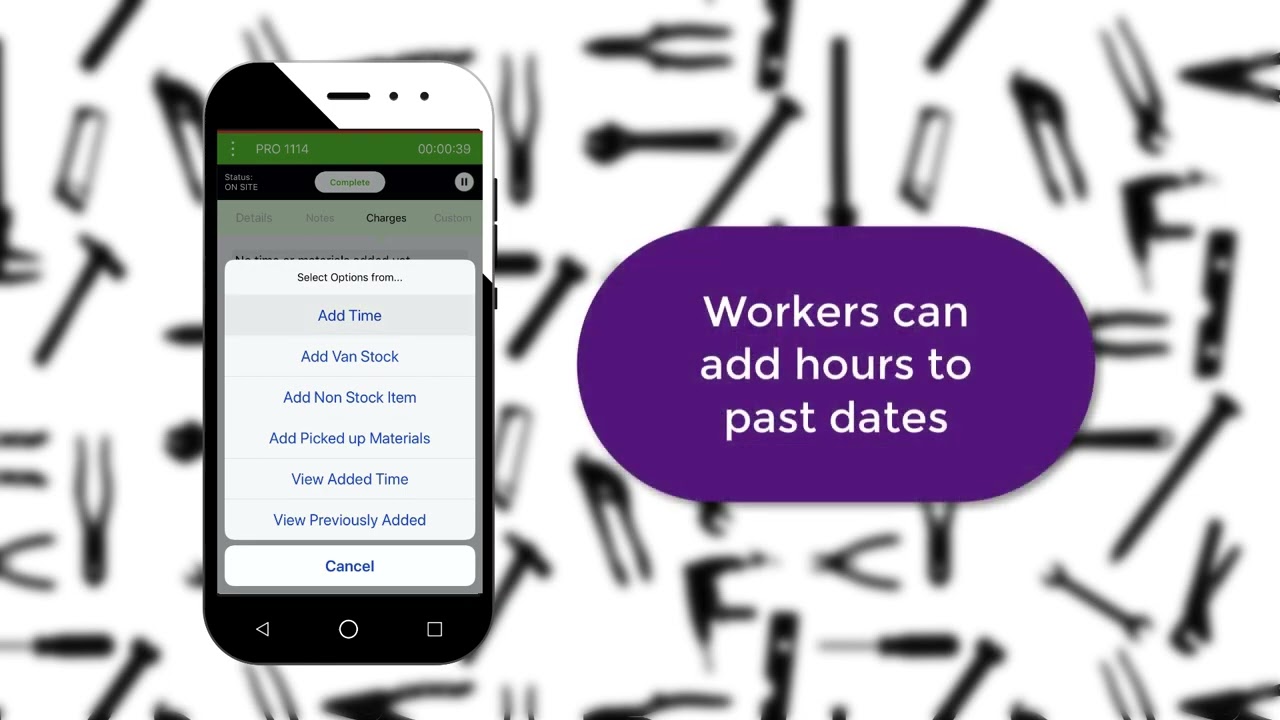
A Training Guide for Working with Projects in iTrade
Projects in iTrade are designed for bigger, ongoing jobs that need more than a single invoice . Unlike standard jobs, projects give you tools for progress invoicing, detailed reporting, and managing multiple stages of work. If you’ve been using jobs up until now, here’s how projects take things to the next level. Working with Projects in iTrade: Jobs vs Projects: What’s the Difference? Jobs: A job becomes one invoice when completed. Projects: A project can have unlimited in

Get the most out of iTrade in the field with the iTrade App
The iTrade App gives tradies everything they need to manage jobs, track time, and stay organised while out in the field. Whether you’re quoting, logging hours, or capturing customer signatures, the app connects your on-site work directly to the office, keeping your jobs, staff, and paperwork in sync. This guide walks you through the main features of the iTrade App and how to make the most of them day-to-day. Logging in and Syncing Your Data Start by opening the iTrade App and


Setting up suppliers in iTrade
Learn how to set-up suppliers in iTrade.

Getting started with iTrade - Customer Module - Video Tutorial
Our customers video guides you through the process of setting up and using the customers module in iTrade.


How iTrade helped Moreland Glass Grow Through Better Communication
Streamline your team's communication, organisation and management with iTrade software for tradies.

How to Use the Calendar Feature in iTrade
Learn how to manage your teams time efficiently with the iTrade Calendar.

Managing Jobs with iTrade - Video Tutorial
Reduce paperwork, minimise mistake, cut down on slippage and make invoicing a breeze with iTrade Jobs.
Get Started with your FREE trial today!
bottom of page